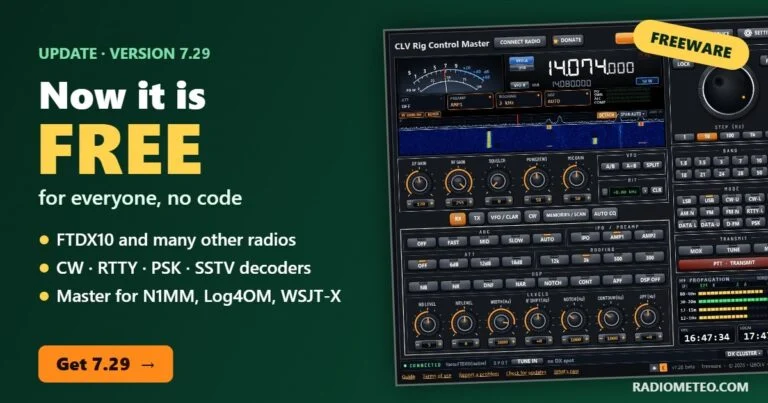
CLV Rig Control Master reaches version 7.29. It is still free for everyone (freeware), with all its functions.
The biggest news is for those with no keying line or FSK line connected to the PC: with the radio in USB, LSB or DATA the decoder receives CW Morse code sent by radio. and RTTY Radioteletype: text messages by radio with a distinctive sound., and the F1–F8 messages, AUTOMATIC CQ and MANUAL TX are sent from the computer as audio tones, on the frequency The “channel” a station transmits on. of the station you are listening to.
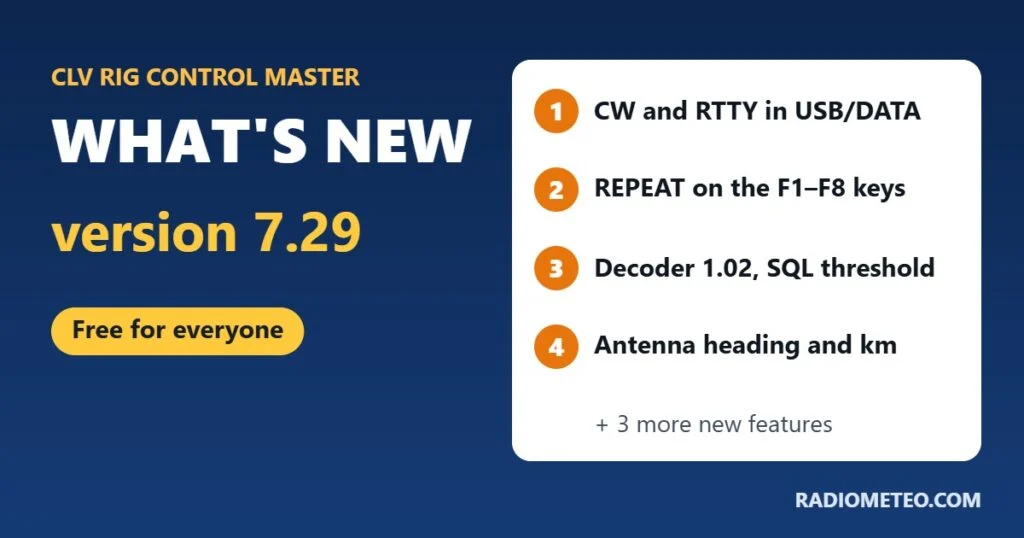
What’s new in 7.29
- CW Morse code sent by radio. and RTTY Radioteletype: text messages by radio with a distinctive sound. in USB, LSB and DATA: click the signal on the waterfall A scrolling chart that shows signals as coloured stripes over time. and the decoder receives it; in transmit, audio tones on the same output as SSTV A way of sending pictures by radio., even with no keying line or FSK connected.
- REPEAT on the F1–F8 keys: right-click to choose how many times to repeat the message and the pause between sends.
- Decoder 1.02: SQL column for the CW and RTTY threshold, so noise does not write letters; CW steadier with QSB.
- STATION box: antenna heading (short and long path) and distance in km.
- split Listening on one frequency and transmitting on another to avoid confusion. from spots fixed: after a spot without split, clicking a spot with «UP» puts the radio back in split.
- Settings for each radio: when you change radio, the port, PTT The push-to-talk button you press to transmit., CW key and audio used last time come back.
- FT-817 / FT-818: in USB and LSB audio comes only from the microphone; CLV tells you and suggests DIG with DIG MODE = USER-U.
I develop CLV Rig Control Master in my spare time, out of passion. If it is useful to you, your help lets me keep going.
♥ SUPPORTAlready on 7.28? Press UPDATE NOW in the program, or install 7.29 over it: your settings are kept.
All the features are in the CLV Rig Control Master article; the other programs are on the Download page. If you find a problem use «Report a problem» in the program and attach the file made by PREPARE FILE.
RadioMeteo newsletter
News from RadioMeteo and the CLV programs by e-mail. You can unsubscribe at any time.
Protected by reCAPTCHA: Google Privacy Policy and Terms apply.